
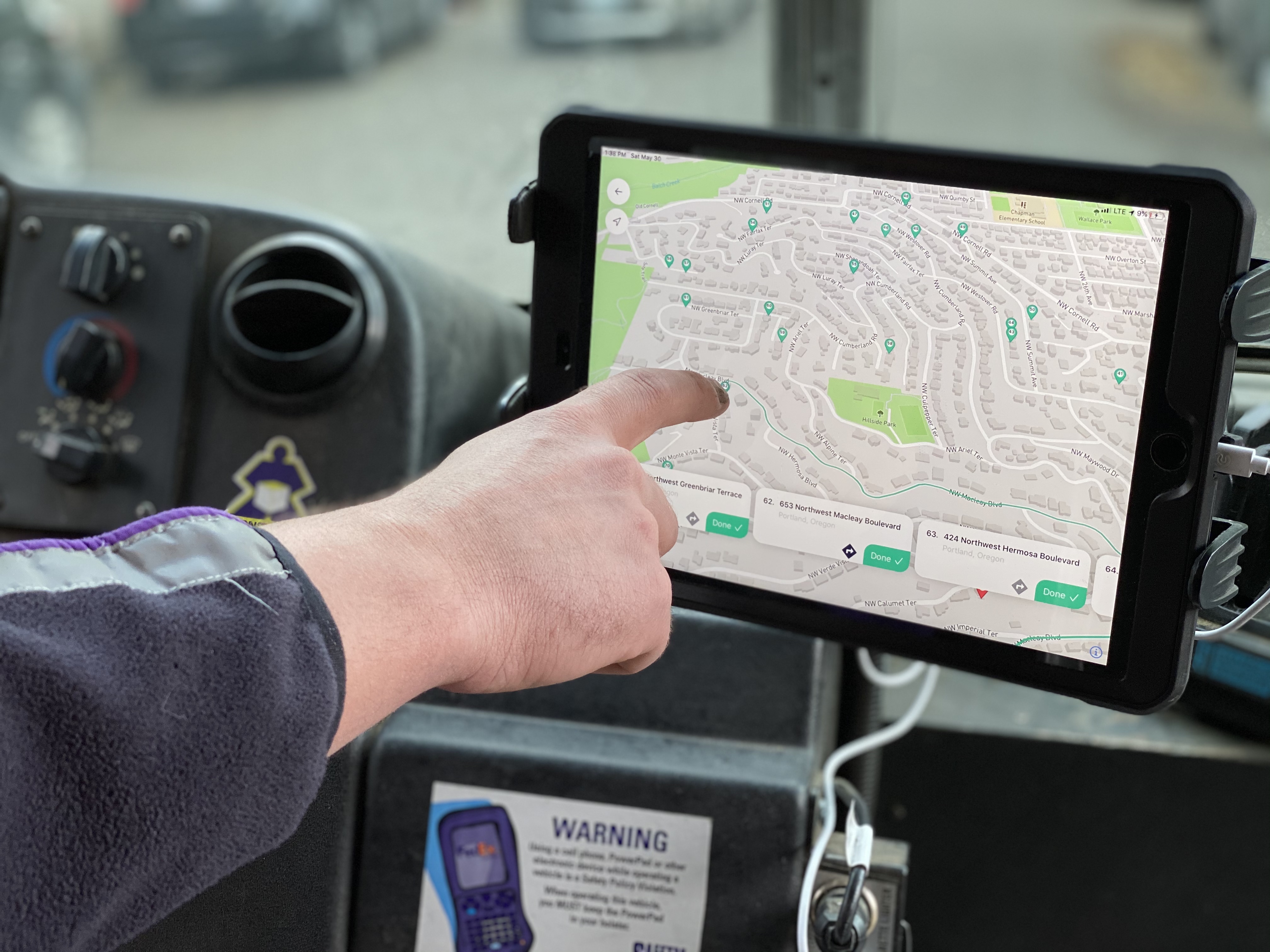
A route planner helps decide the order of several visits. A navigation app provides directions to the destination you are driving to. For a short workday, the distinction matters most when one stop changes after you have already set out.
Use a three-stop example
A technician needs a supply counter, a flexible repair and a booked estimate. First choose a visit order that puts the needed part before the repair and still reaches the estimate on time. Then open directions to the first address. The fastest path to the repair does not resolve the missing part.
Keep each decision in the right place
Use the work plan for addresses, visit notes and completion status. Use the navigation app for the current driving leg. When a customer cancels, update the work list before choosing a new destination so you do not reopen the canceled job later.
Choose the simplest setup for the day
For one known address, ordinary directions may cover the entire trip. When several commitments, access notes or unfinished visits matter, a separate work list earns its place. In Woope, the handoff opens the selected stop in your external navigator.